Spray, fertiliser and field work records
How it works
In the web app and the Android app.
Record a job
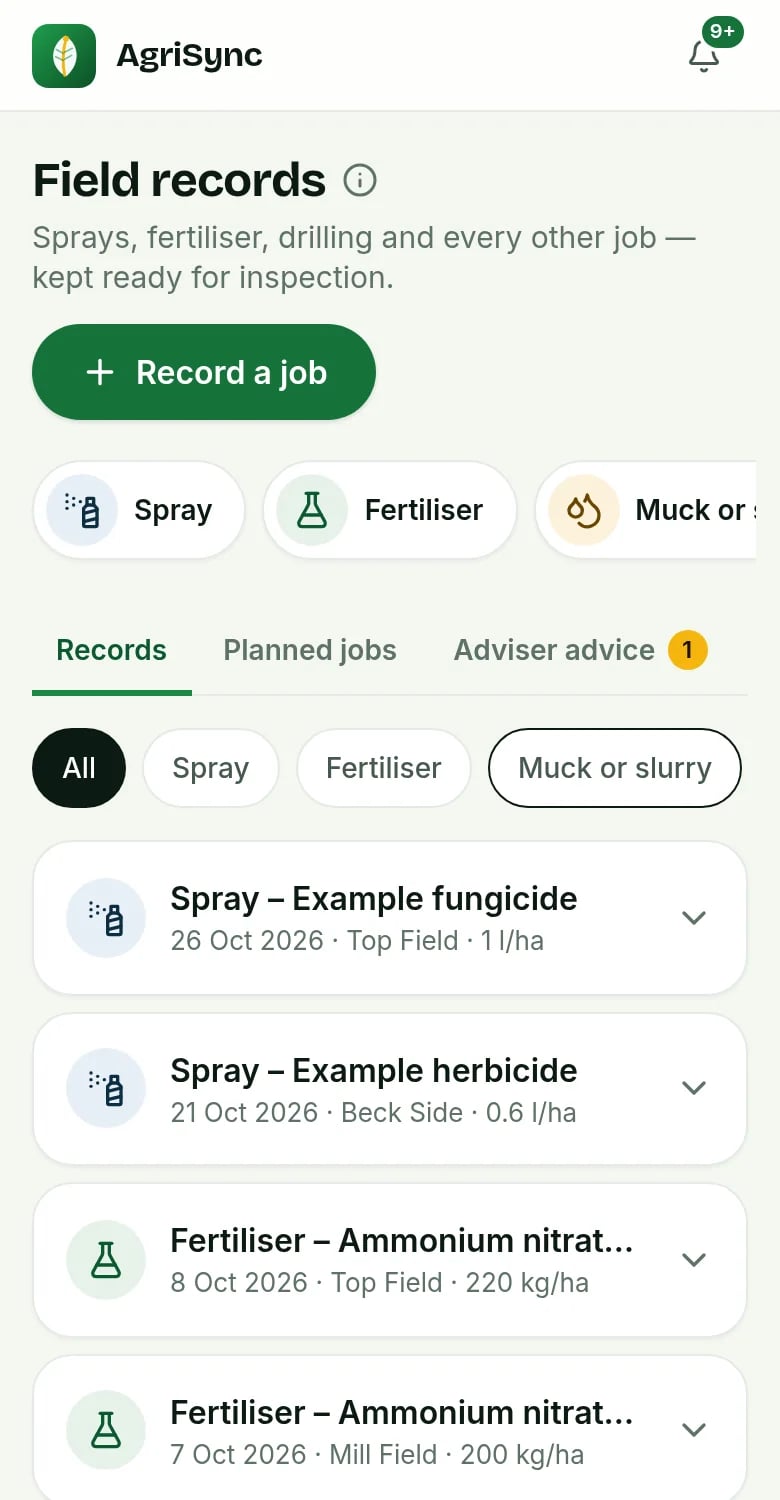
Pick the job. Field, time and last product and rate are filled in.
Check the weather
Wind and temperature filled in from weather data. You check it.
Download spray records
One CSV or PDF for any dates. The audit PDF lists 12 months.
Advice, jobs and records in one place
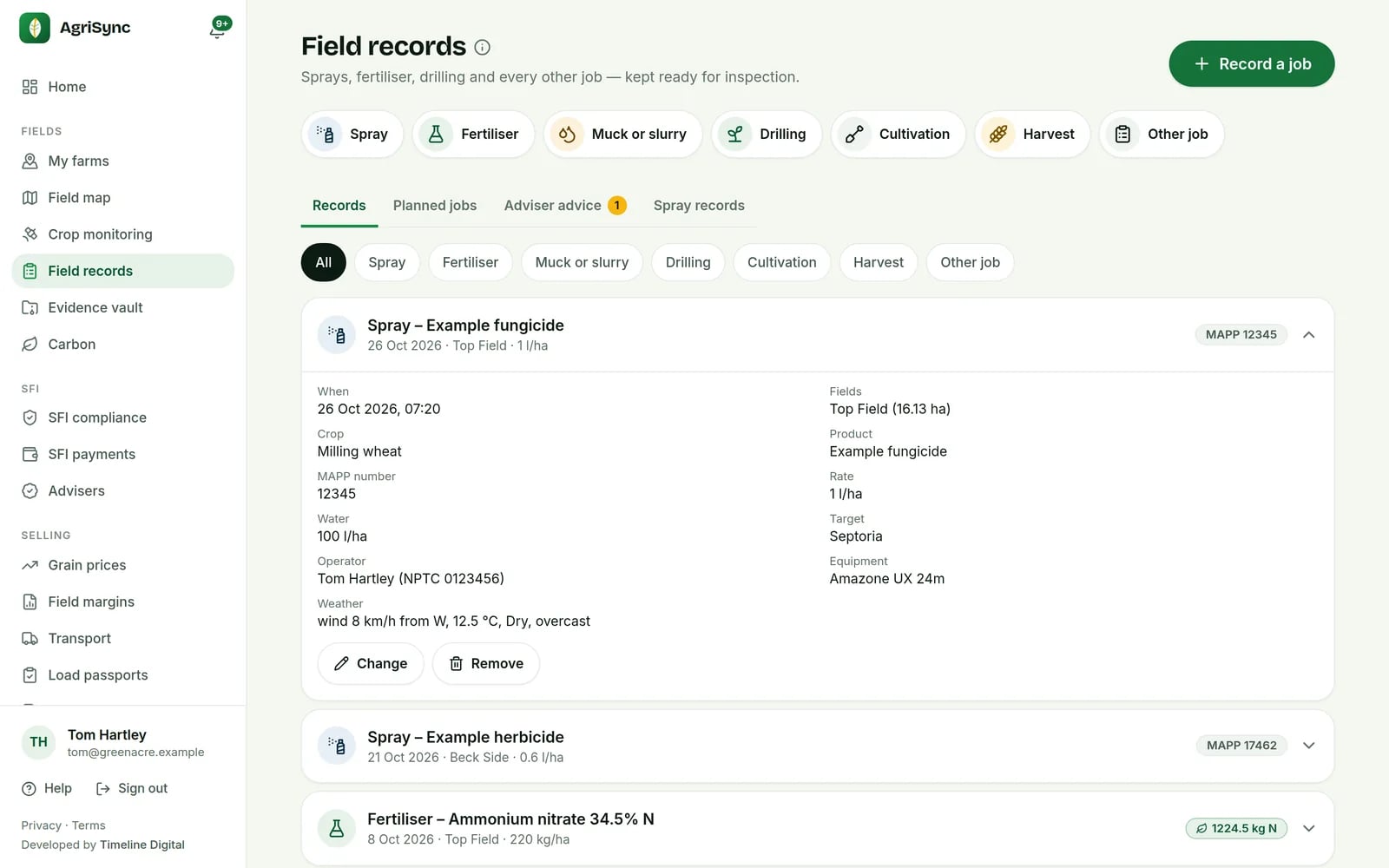
- Advice from your adviserNamed, dated advice with their qualification. AgriSync never recommends products.
- Accept it as a jobOne tap makes a planned job with product and rate copied in.
- My jobs for your teamWorkers see their jobs and record what was actually used.
- Feeds your carbon figuresNitrogen and fuel from records feed your carbon estimate.
Common questions
What can I do with Field records in AgriSync?
Record each spray, fertiliser, muck, drilling, cultivation and harvest job against the fields it covered. A spray record keeps what an inspector asks to see: the product and its MAPP number, the rate and water volume, the operator and their certificate, the sprayer and the weather. Next time, AgriSync fills in what you used last.
What do I need to use it?
Your fields in AgriSync. The product, its MAPP number and the rate, from the label. The operator's spraying certificate number (NPTC or PA), for sprays. It is free during early access.
Does AgriSync check the MAPP number?
It checks the number looks right (3 to 6 digits). It doesn't look it up. Always copy it from the product label.
Does AgriSync tell me what to spray?
No. AgriSync never recommends products, rates or timings. Advice only comes from a named adviser you have shared your farm with. Always read the product label.
Who can record a job?
Farm owners, managers and workers can record jobs. Only owners and managers can plan jobs, give them to people or accept advice.
Is it in the phone app?
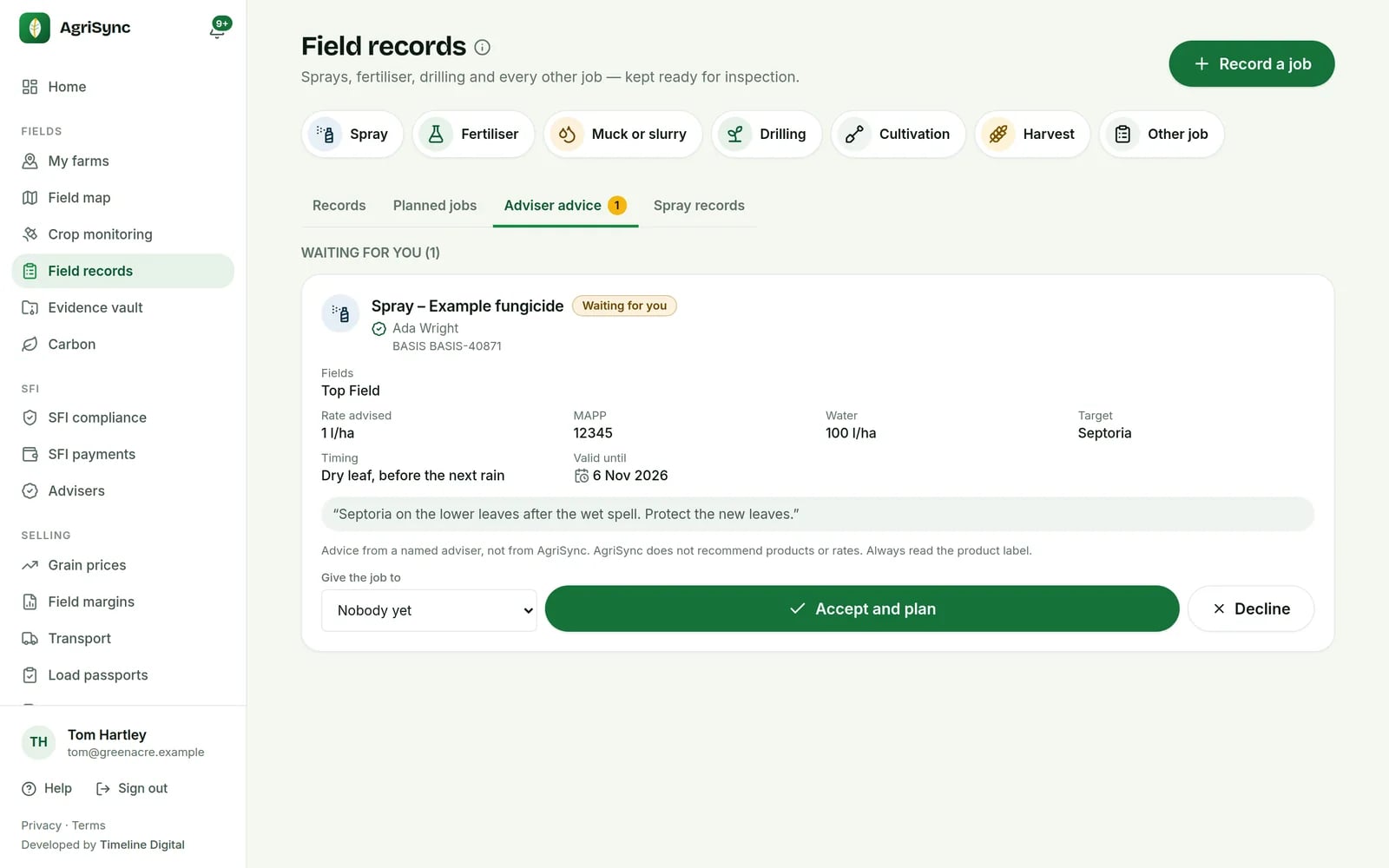
Yes. In the Android app you can record a job, complete it, take up an adviser's advice and download spray records. Editing a saved record is in the web app only for now.
Free during early access
Try it on your own farm
We'll phone you and set up your fields with you, or you can start on your own. No card needed.