Available now
An audit PDF for the farm, in one click
For the day an inspector, your land agent or a buyer asks to see your records.
How it works
Open the farm
Each field shows its score and what's missing.
Fix what you can
Add the photo or detail the to-do list asks for.
Download the PDF
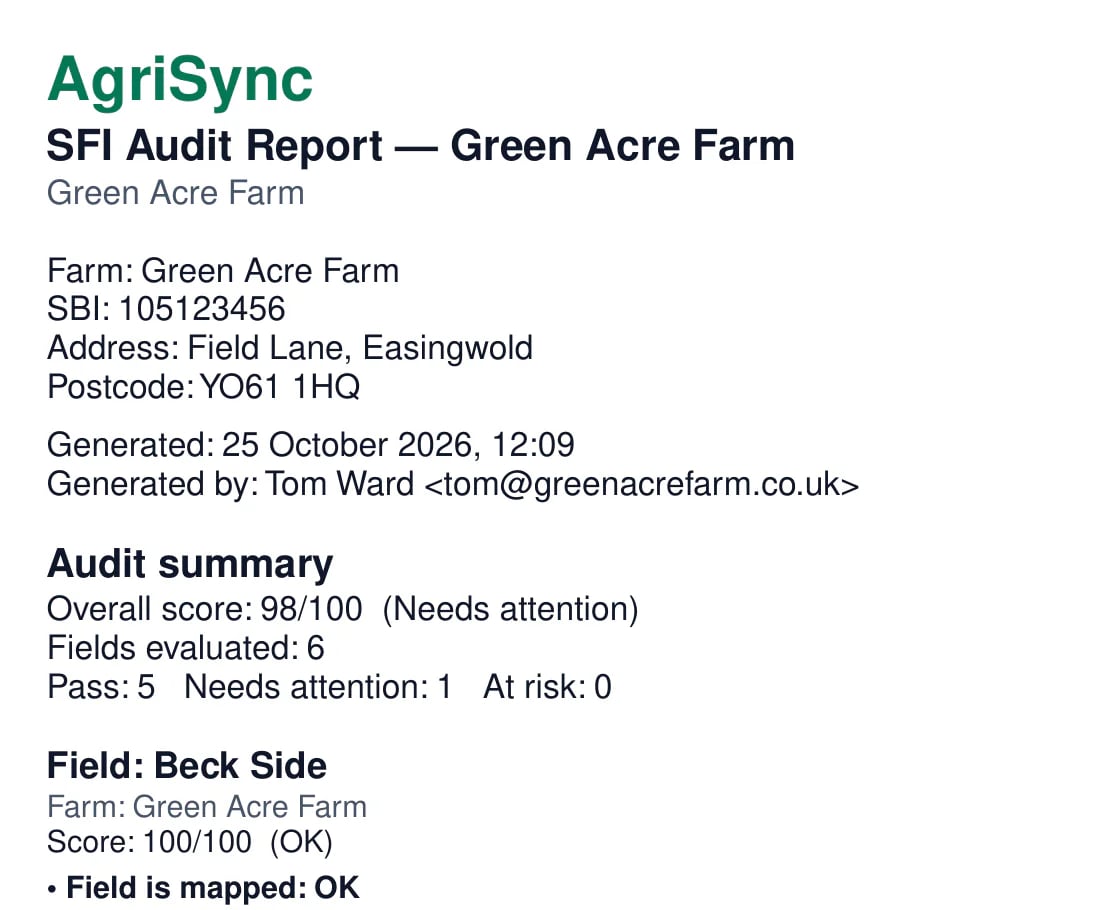
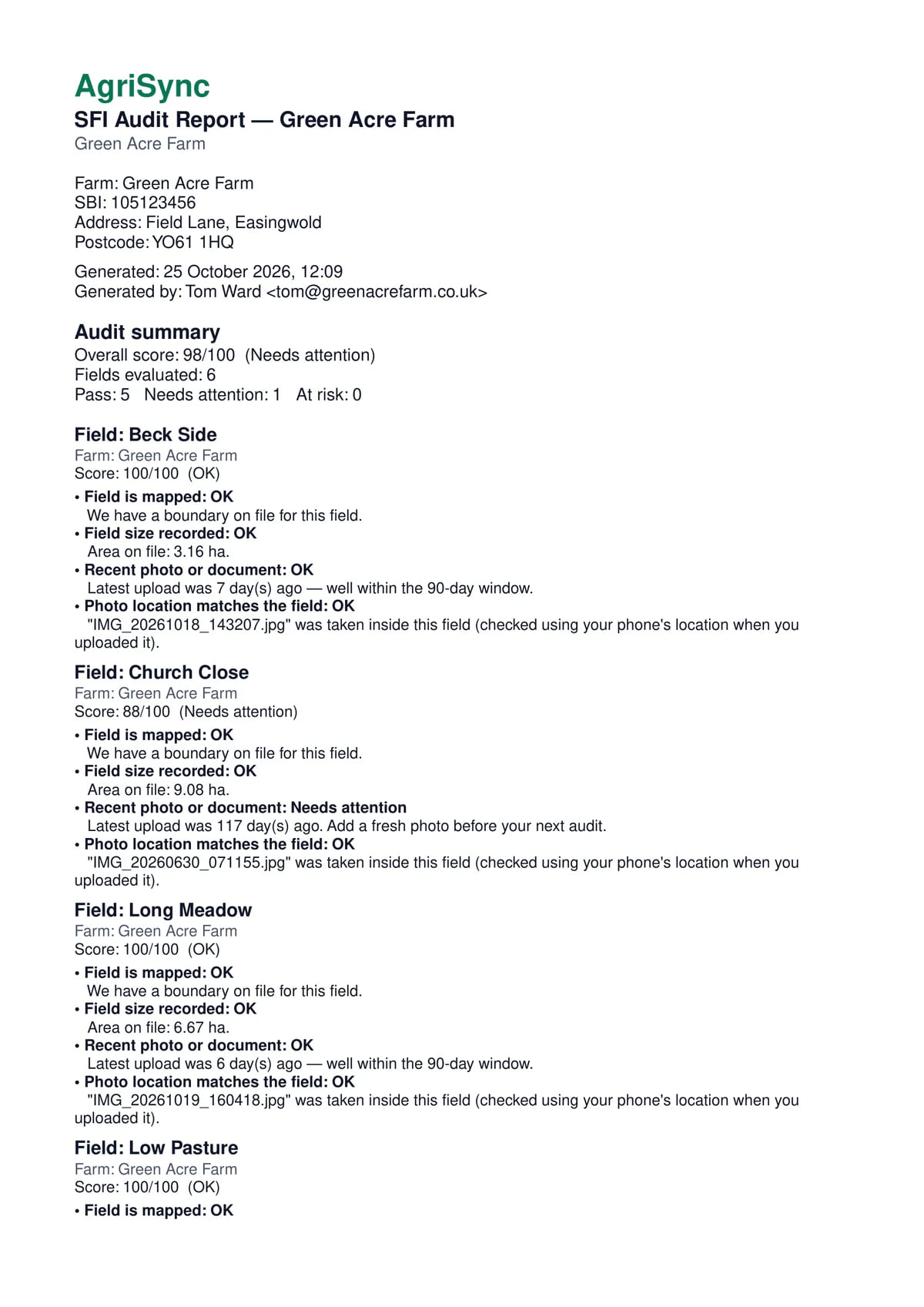
Every field's checks and evidence in one file, to email or print.
Common questions
What can I do with Audit reports in AgriSync?
Download one PDF for a farm. It has every field's checks and the photos behind them. Each field has a score, so you can see what to fix before you send it.
What do I need to use it?
Your fields and evidence photos in AgriSync. It is free during early access.
Is the PDF an official RPA document?
No. It is your own record. It is laid out so an inspector or agent can follow it quickly.
Can I make one for a single field?
The PDF covers a whole farm. Each field has its own section inside it.
Free during early access
Try it on your own farm
We'll phone you and set up your fields with you, or you can start on your own. No card needed.