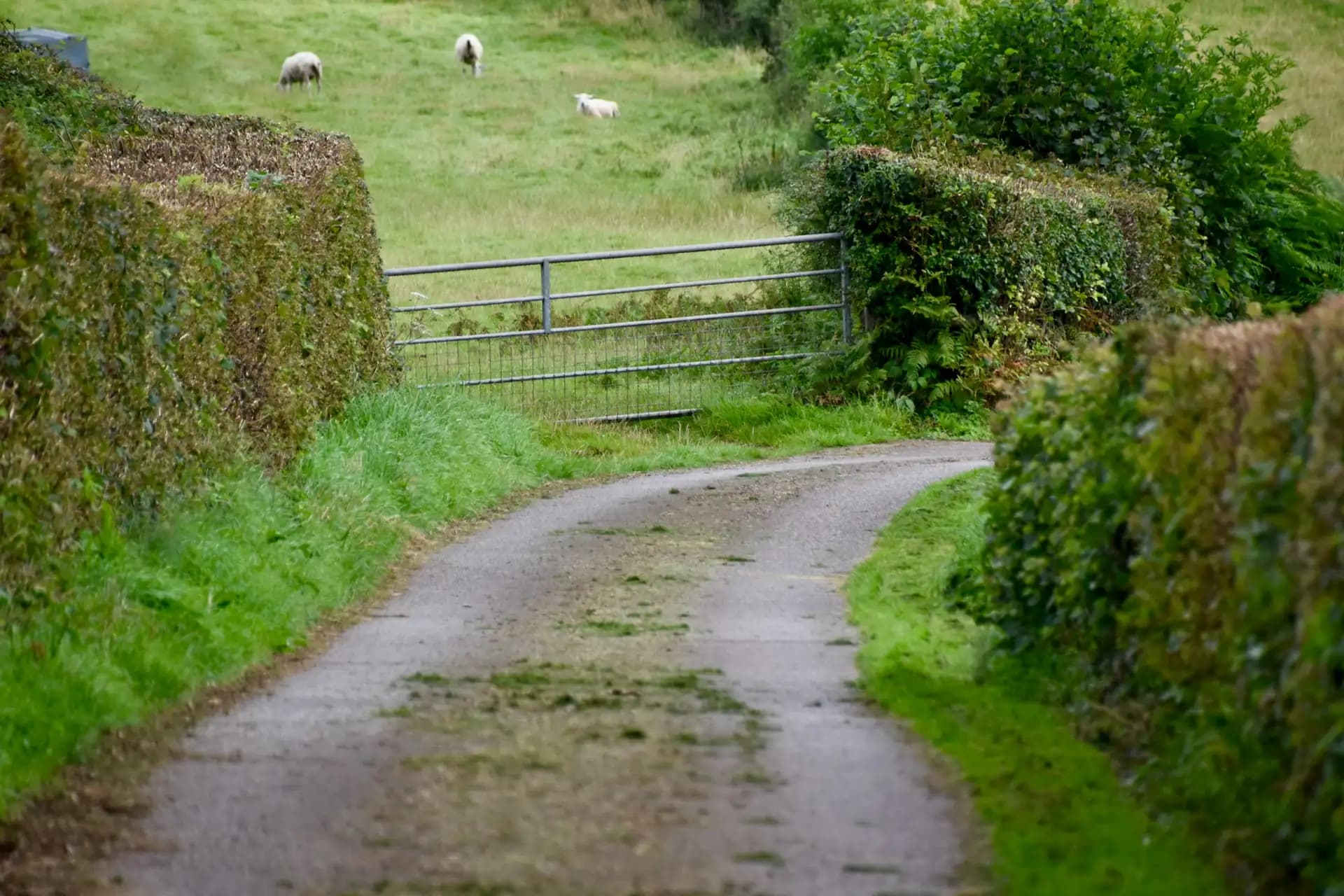
Field photos that prove where and when
How it works
Take the photo in the field
Open the app in the field, press Take photo, allow location.
Send it
Pick the field, add a note, upload. Photos, PDFs, videos to 25 MB.
AgriSync files it
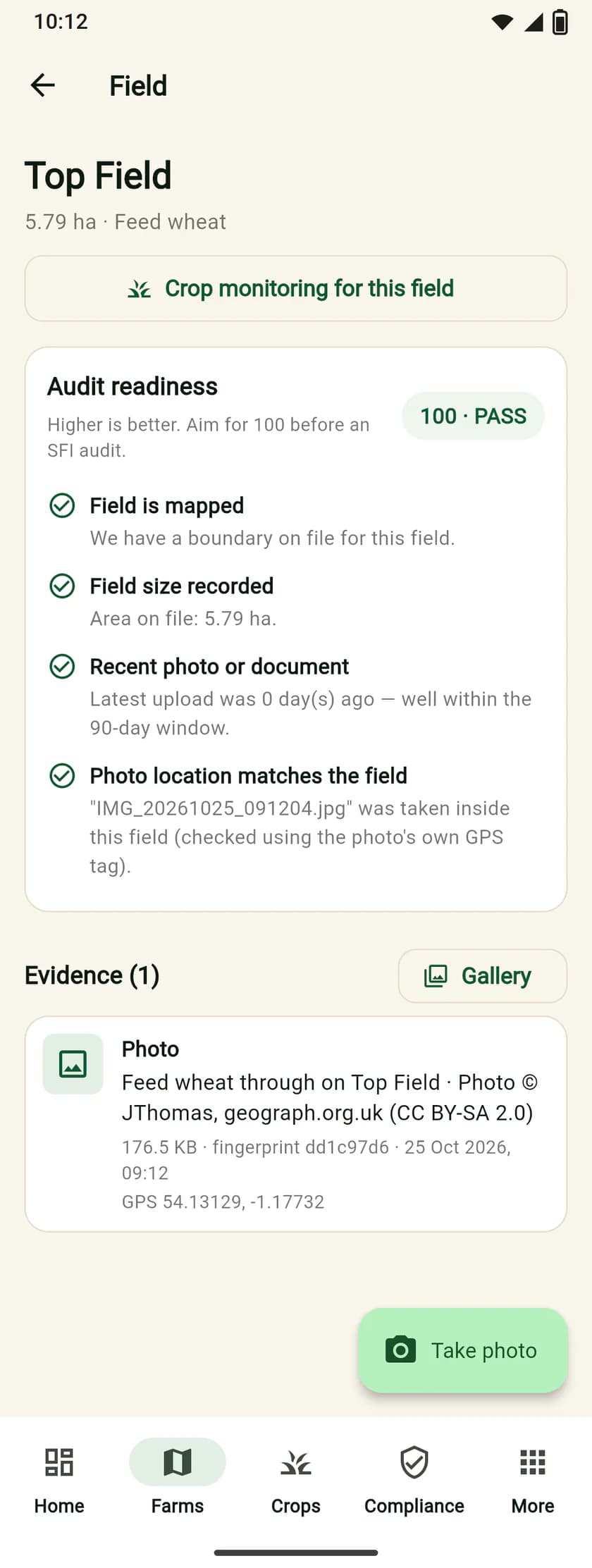
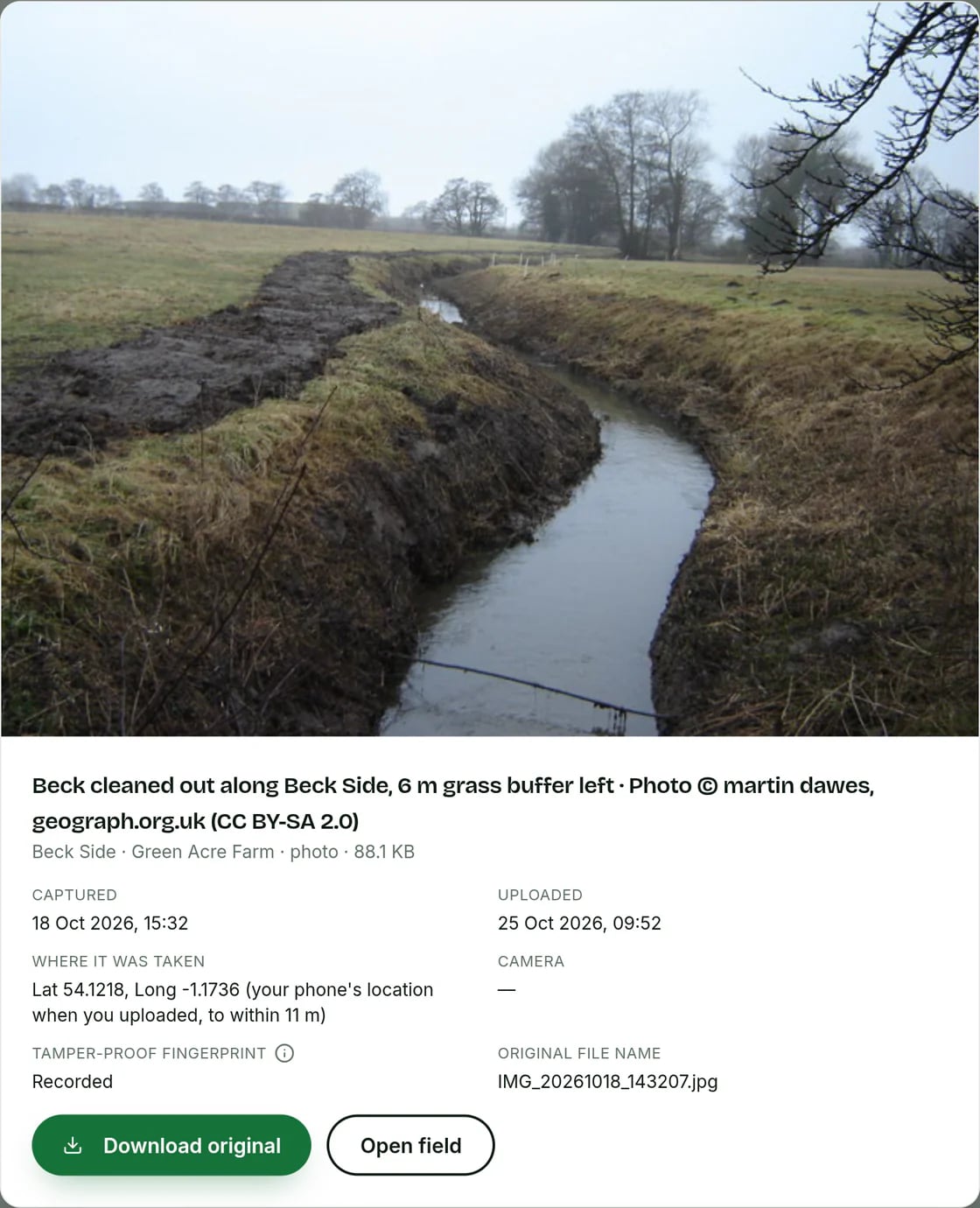
Checked inside the field, dated and ready for the audit PDF.
- Coming soon to Google Play
- Coming soon to the App Store
- Download for Android (APK)
Common questions
What can I do with Evidence photos in AgriSync?
Take a photo in the field. AgriSync reads where and when you took it. It checks the photo is inside that field and files it there. No more hunting through your phone when an inspector asks.
What do I need to use it?
A phone with location turned on. Your fields set up in AgriSync. The AgriSync Android app, for photos with no signal (iPhone app coming soon). It is free during early access.
What if a photo has no location in it?
AgriSync first uses the place saved in the photo. If there isn't one, it can use where your phone was at the time, if that is accurate enough. With neither, it can't check the photo against the field. So the to-do list may still ask for a photo.
Do I need signal in the field?
Not with the Android app. It keeps the photo on your phone, with the place you took it. It sends it when you are back in signal. The web app needs a connection. On an iPhone, take the photo with your camera and upload it later. AgriSync reads the place and time saved in the photo, if your phone saves them.
Who can see my photos?
You and your team. An adviser only sees them if you allow them to see compliance and evidence. We never sell farm data.
How-to guides
Read more
- SFI26 actions for arable farms: what pays, and the rules that matter
- SFI26 actions for grassland and livestock farms: rates and rules
- Hedgerows and buffer strips in SFI26: CHRW2, CAHL4 and the rules to record
- SFI and Countryside Stewardship Higher Tier: which is which, and can you have both?
- SFI evidence: what records to keep, how long
- How to choose farm management software in England: 10 questions to ask
Free during early access
Try it on your own farm
We'll phone you and set up your fields with you, or you can start on your own. No card needed.