How to check your crops by satellite in AgriSync
See each field's crop from space: status, growth stage and last clear satellite picture. Compare crop health, nitrogen and moisture; download a farm PDF.
Last checked against gov.uk
- Written by
- The AgriSync team
- Published
- Reading time
- 3 minutes
Satellite checks work for feed and milling wheat, feed and malting barley, and oilseed rape. Clear pictures depend on the cloud.
In short
Open Crop monitoring in AgriSync. You see each field's growth stage, status (On track, Watch or Needs attention) and last clear satellite picture. Open a field to see Trends for crop health, nitrogen risk, moisture and chlorophyll. You also see What to do next. Readings show possible stress, not lab results, so walk the field first.
What you need
- Your fields set up in AgriSync
- Wheat, barley or oilseed rape set as the crop, best with a planting date
Steps
- 1
Open Crop monitoring
In the menu, under Fields, choose Crop monitoring. Have more than one farm? Pick one from the farm list, or leave All farms.
- 2
Set the crop on any field that needs it
Does a field show Set crop or Confirm crop? Press it. Satellite checks only start once AgriSync knows the crop. It also helps to know roughly when it was planted. See set a crop and season.
- 3
Read the Fields tab
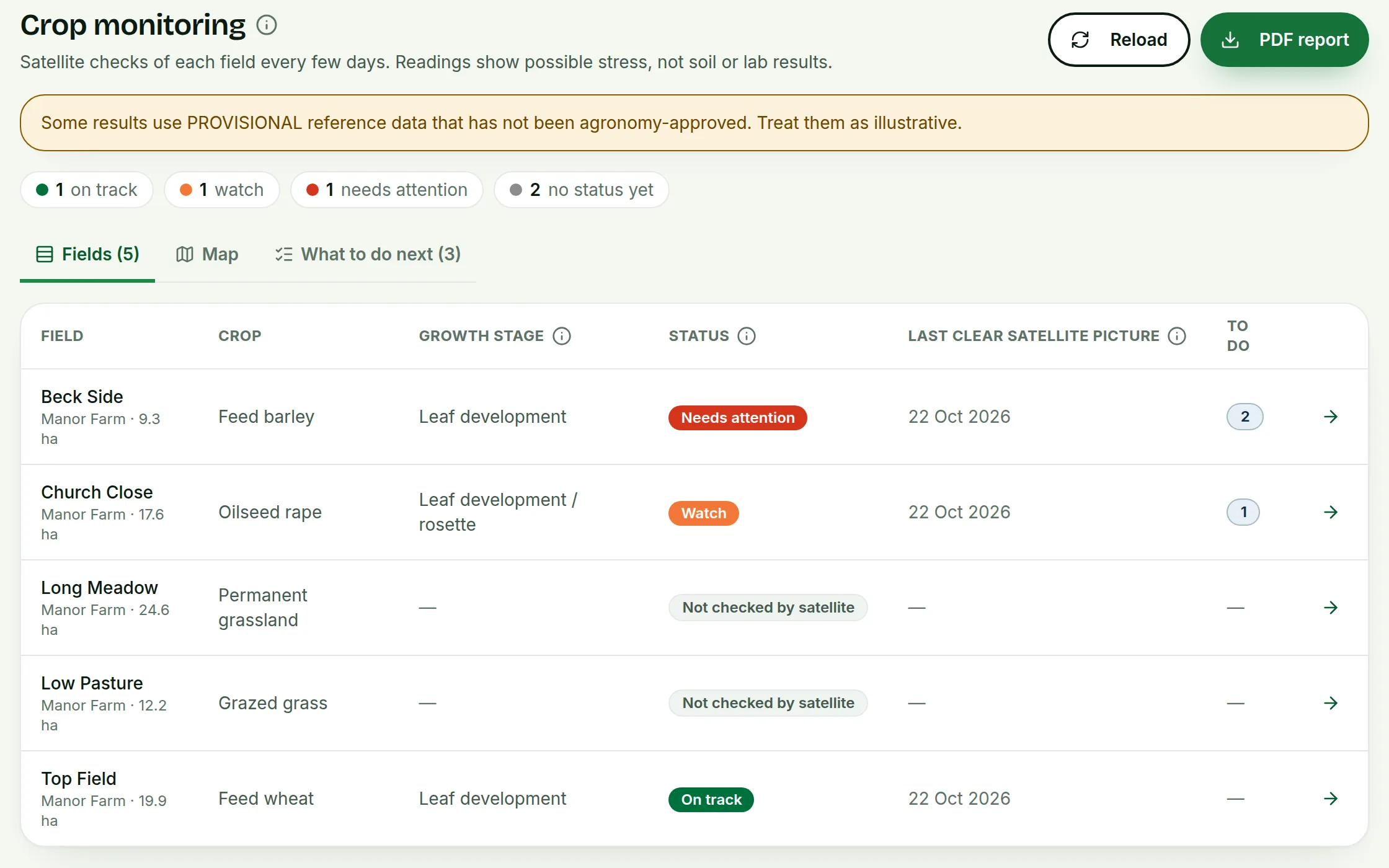
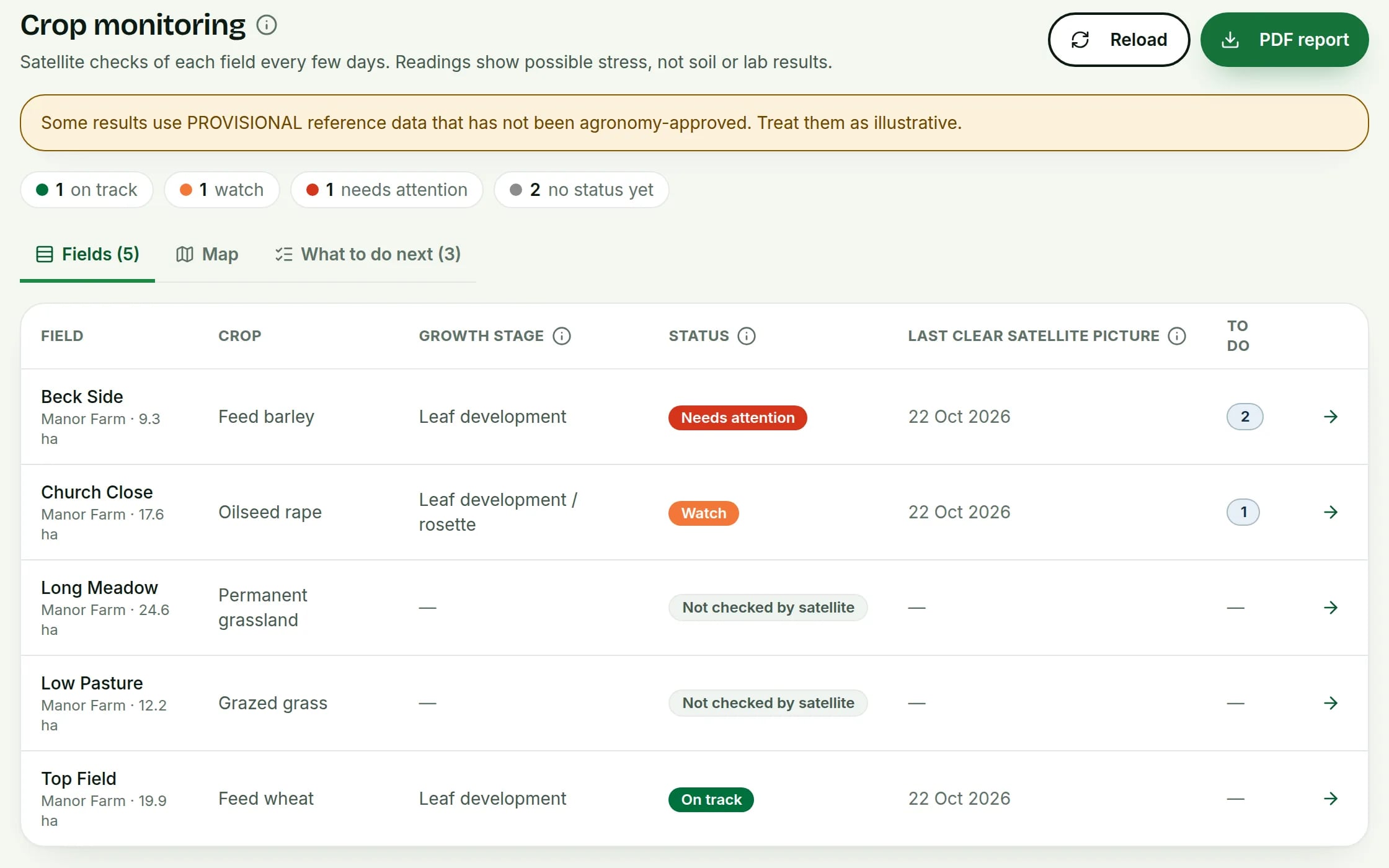
The Fields tab lists each field with its Crop, Growth stage, Status and Last clear satellite picture. The Map tab shows the same fields, coloured by status. Tap a field on the map to see a summary.
 Tap to see the whole screen(opens the full-size picture)
Demo farm in the AgriSync test environment. - 4
Open a field
Press the arrow next to a field. The Overview tab sums up the latest reading and the growth stage in plain English.
- 5
Look at the trends
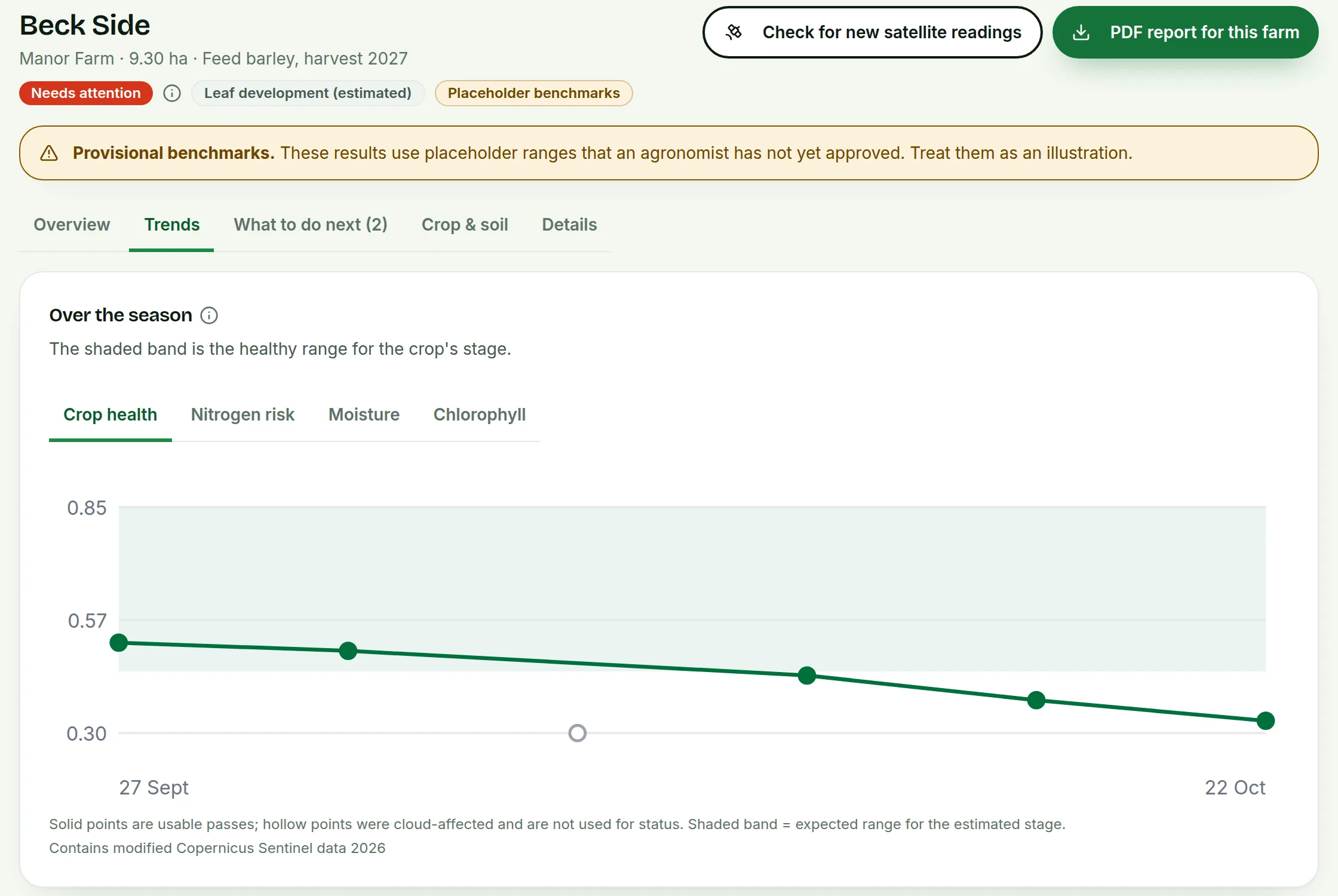
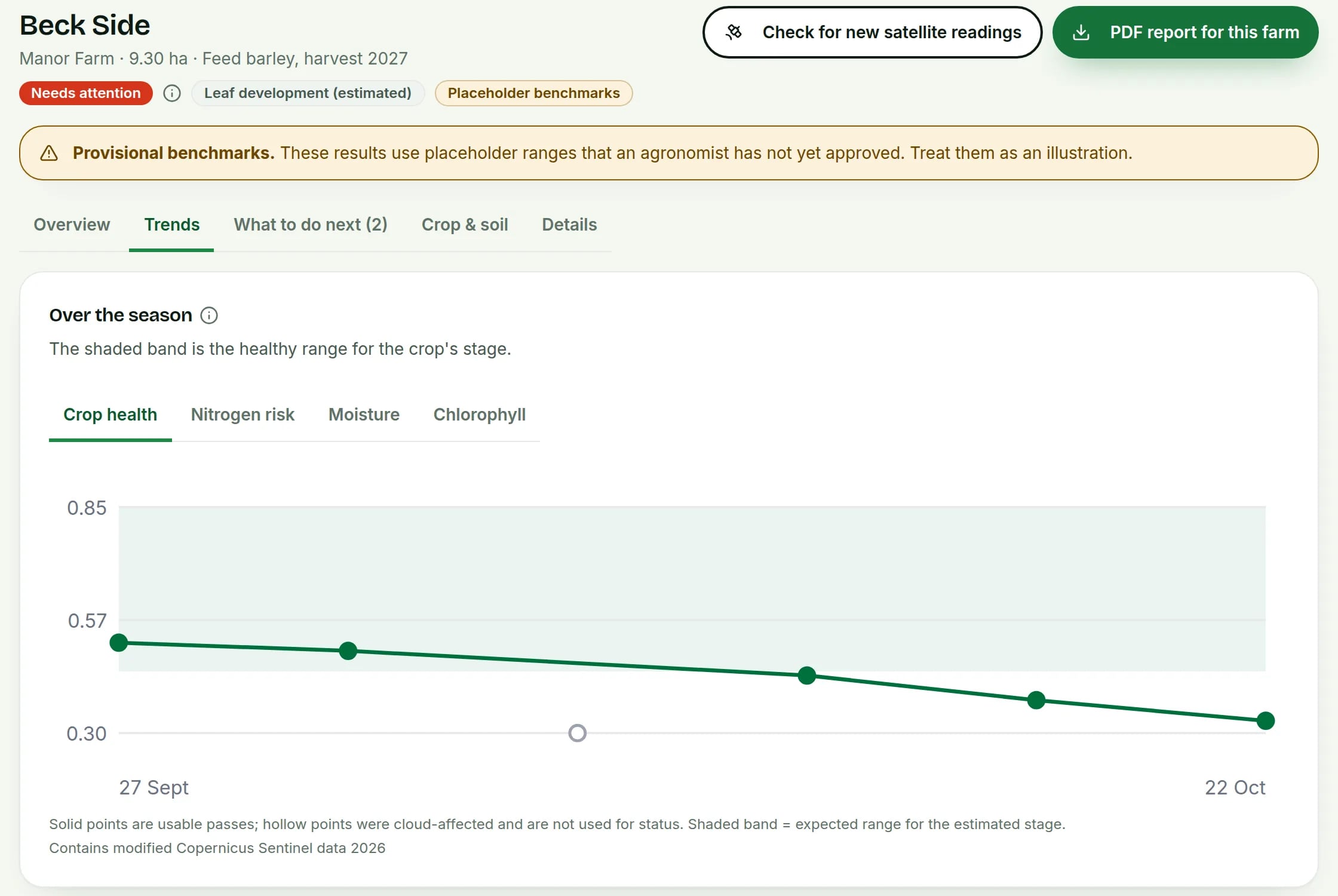
Open the Trends tab. Switch between Crop health, Nitrogen risk, Moisture and Chlorophyll. The shaded band is the healthy range for the crop's stage. Every pass lists each satellite pass. It shows if each one was clear or cloudy.
 Tap to see the whole screen(opens the full-size picture)
Demo farm in the AgriSync test environment. - 6
Ask for a fresh check
Press Check for new satellite readings. New readings appear after the next clear picture, usually within a day.
- 7
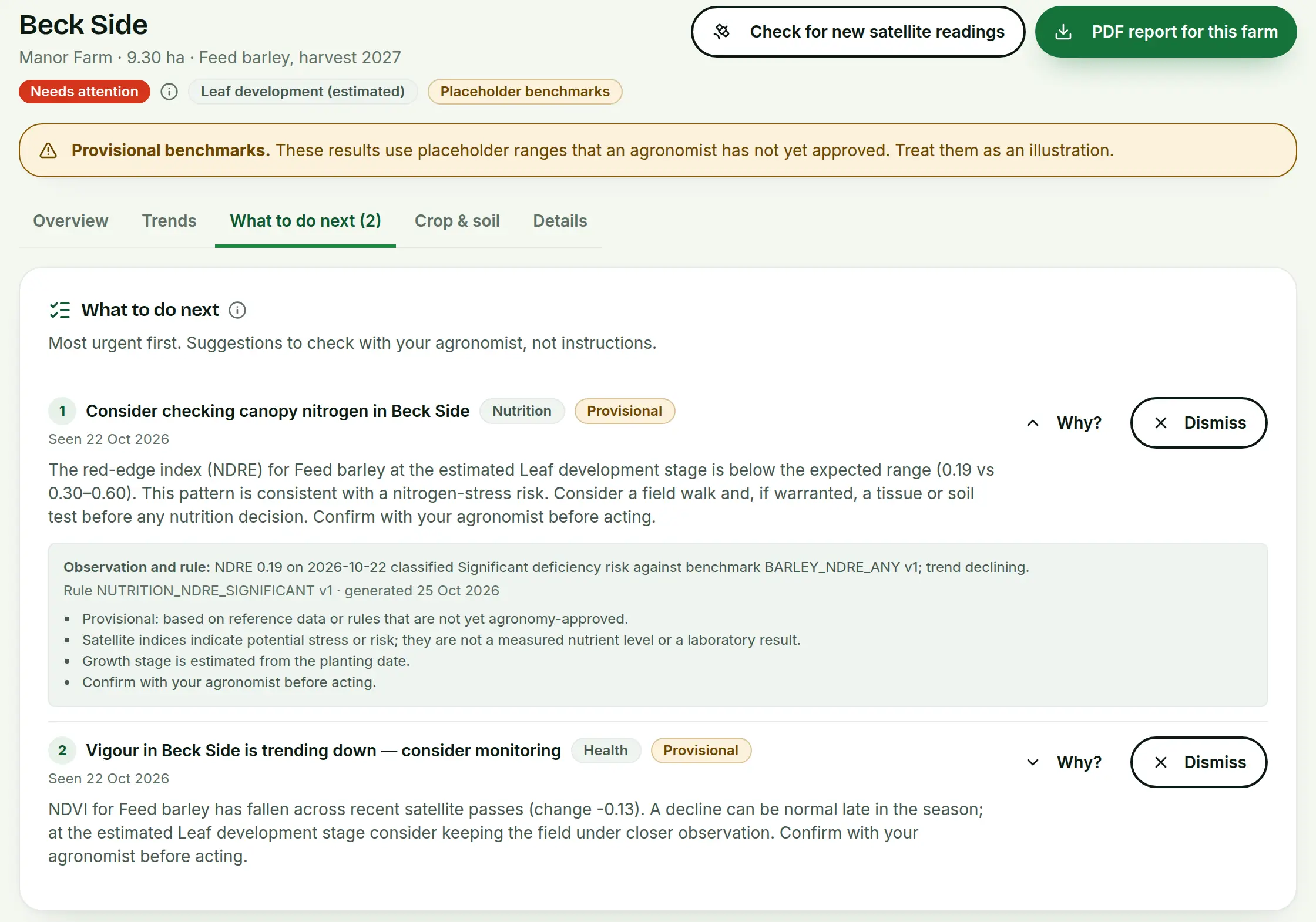
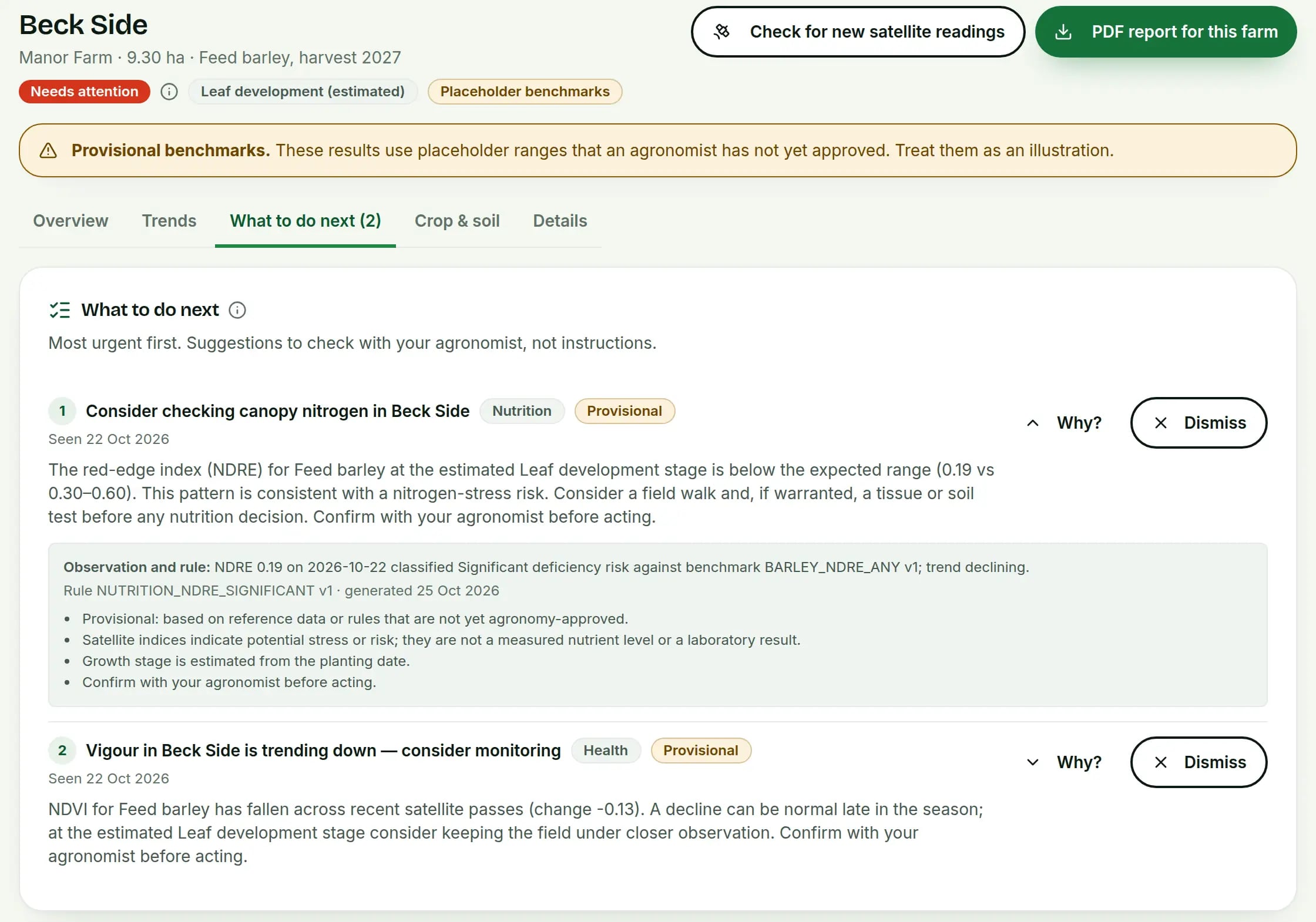
Read What to do next
The What to do next tab lists things worth checking, most urgent first. Press Why? to see the reason behind each one. Press Dismiss once you've dealt with it.
 Tap to see the whole screen(opens the full-size picture)
Demo farm in the AgriSync test environment. - 8
Download a report
Press PDF report for this farm on a field page. Or choose a farm on the Crop monitoring page and press PDF report.
What do On track, Watch and Needs attention mean?
| Status | What it means |
|---|---|
| On track | The crop looks as expected for its stage. |
| Watch | Slightly off. Keep an eye on it. |
| Needs attention | Clearly off. Worth walking the field. |
| No current status | No clear satellite pass yet, or no crop set. |
What do the four trend tabs measure?
| Tab | Index | In plain English |
|---|---|---|
| Crop health | NDVI (Normalized Difference Vegetation Index) | How green and thick the crop is. A drop can mean stress or disease. Or the crop may just be ripening. |
| Nitrogen risk | NDRE (Normalized Difference Red Edge) | A sign linked to nitrogen in the leaf. Low can mean the crop is short of nitrogen. It shows a risk. It does not measure nitrogen. |
| Moisture | NDMI (Normalized Difference Moisture Index) | How much water the leaves hold. Low can mean the crop is dry. |
| Chlorophyll | GNDVI (Green NDVI) | Like crop health, but it uses green light instead of red. |
To learn how these work, see what is NDVI?.
Why is there no new reading for my field?
- Cloud. The satellite can't see through cloud. If too much of the field is hidden, that picture isn't used.
- Crop not set. Checks only start once AgriSync knows the crop and planting date.
- Crop not checked. Satellite checks only cover wheat, barley and oilseed rape. Other crops show Not checked by satellite.
Common questions
How often will my field get a new reading?
A satellite passes over every few days. Only clear pictures are used. So cloudy weather means longer gaps between readings.
Is the growth stage exact?
No. It is a guess from the planting date and a typical season. The real stage depends on weather and variety.
Can my agronomist see these readings?
Yes, if you share the farm with them on the Advisers page. They can look at the crop results but not change them. They can also leave notes. They can use the web app or the AgriSync phone app.
Sources
Every source was checked on 25 October 2026. If something has changed, tell us at info@agrisync.co.uk.
- 1.Sentinel-2 mission (opens in a new tab), Copernicus SentiWiki (European Space Agency)
Keep going
Try it on your own farm
Free during early access. Start on your own, or we'll phone you and set up your fields with you.